7 min read
8 Best Co-Parenting Calendar Apps for 2026
Compare 8 top co parenting calendar apps for 2026, including options that sync with OurFamilyWizard, so busy divorced parents never miss a custody swap.
The OFWSync team
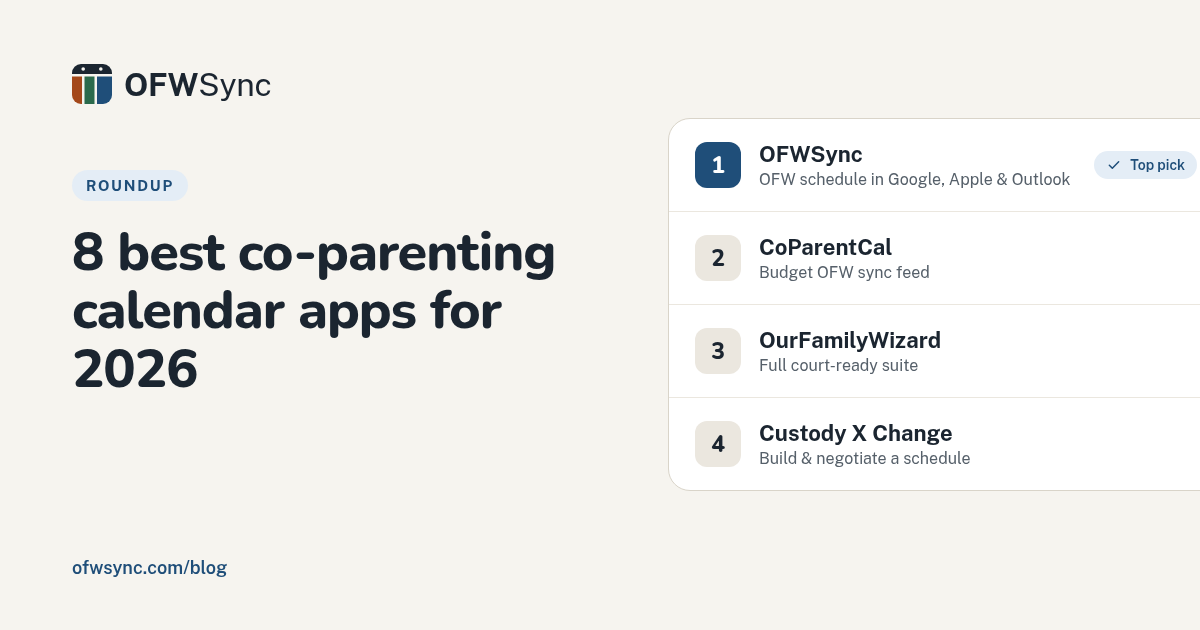
Quick Summary: OFWSync ranks first among 2026 co-parenting calendar apps for OurFamilyWizard users, pushing parenting time, trades, and shared events as a read-only feed into Google, Apple, or Outlook so the schedule shows up where parents already look. Full suites like OurFamilyWizard offer court-admissible messaging and records but lack live calendar sync, while budget picks like CoParentCal ($2.50/month) handle the same ICS sync job. Custody X Change fills a different need, helping parents draft and negotiate schedules before they go live. The real choice comes down to whether the bigger headache is the schedule itself (use a sync tool) or the legal paper trail around it (use a full suite).
Most co-parents open OurFamilyWizard for the schedule, then live in Google or Apple Calendar the rest of the day. So Sunday night becomes retyping next week's pickups, and the schedule still drifts between three calendars. Missed handoffs follow. This guide ranks eight co-parenting calendar app options by how well each puts custody schedules where you already look, with a comparison table that separates full suites from read-only sync tools like OFWSync. Selections came from 2026 search results and named competitors, judged on schedule accuracy, 2026 per-family cost, and fit for U.S. custody orders and court-ready records.
Table of Contents
- Co-parenting calendar apps at a glance
- What to know about co-parenting calendar apps in 2026
- OFWSync
- CoParentCal
- OurFamilyWizard
- Custody X Change
- Runners-up worth knowing
- How to choose the right co-parenting calendar app
- Frequently Asked Questions
Co-parenting calendar apps at a glance
| App | Best for | Calendar sync to Google/Apple/Outlook | Price per family (2026) |
|---|---|---|---|
| OFWSync | OurFamilyWizard users who want the custody schedule in Google, Apple, or Outlook | Yes - read-only ICS feed to all three | $3-$5/month or $30-$40/year |
| CoParentCal | Budget-minded OFW users who want a simple sync feed | Yes - ICS protocol to all three | $2.50/month |
| OurFamilyWizard | Co-parents who need a full, court-admissible suite | Limited - exports and an outside-calendar feed, not live two-way sync | Per-parent annual plans (varies by tier) |
| Custody X Change | Parents drafting or negotiating a custody schedule | Limited - exports and printable schedules, no native live feed | Plans from $6/month, billed annually |
What to know about co-parenting calendar apps in 2026
A co-parenting calendar app is a shared schedule both parents can see and edit, often with messaging, expense tracking, and a court-ready record attached.
In 2026, most U.S. families pick between a full suite like OurFamilyWizard and a lighter sync tool like OFWSync, which feeds your OFW schedule into Google, Apple, or Outlook. Apps like TalkingParents and Custody X Change fill the middle.
Your choice comes down to one question: is the bigger problem the schedule itself, or the paper trail around it?
1. OFWSync
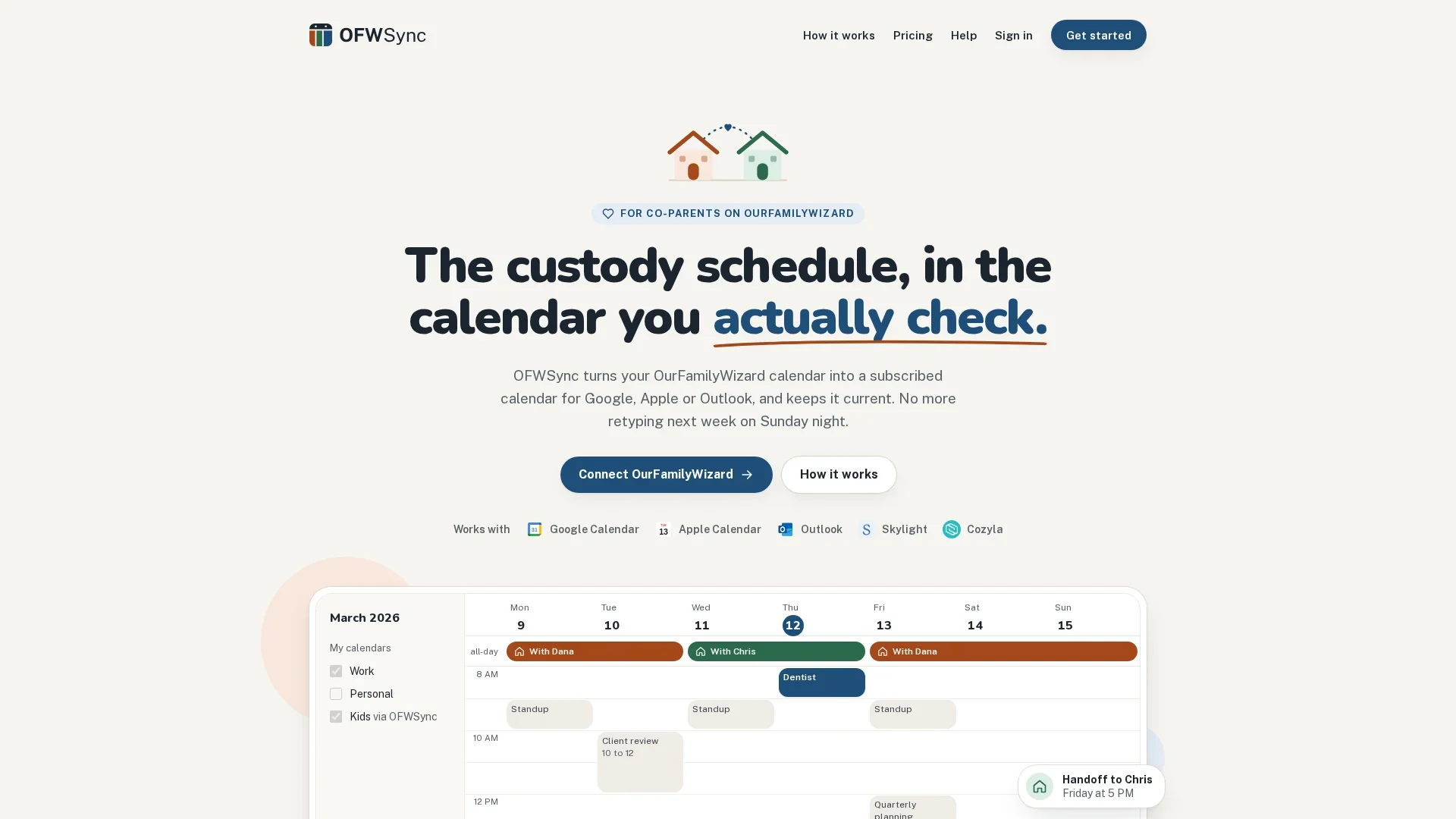
OFWSync puts your OurFamilyWizard schedule into the calendar you already open. This co parenting calendar app turns parenting time, approved trades, and shared events into a read-only feed for Google, Apple, or Outlook. OurFamilyWizard is trusted by courts in all 50 states, per its listing, but its built-in calendar is clunky on mobile - a common parent complaint.
Highlights
- Syncs OFW parenting time, trades, and shared events into Google, Apple, and Outlook calendars
- Read-only by design - it never posts or writes back to OFW
- Setup takes about five minutes, with a seven-day free trial
Specs
- Best for: OurFamilyWizard users who want the custody schedule in Google, Apple, or Outlook
- Calendar sync to Google/Apple/Outlook: Yes - read-only ICS feed to all three
- Price per family (2026): $3-$5/month or $30-$40/year
Pros
- Read-only sync cannot alter OFW records, which matters in court
- Hourly sync on Plus catches same-day trade changes
Cons
- Only useful if you already use OurFamilyWizard
- Google Calendar refresh can lag the hourly check by hours
It ranks first because it solves one job completely: the OFW schedule, live in the calendar you actually check.
Last updated: October 13, 2026
2. CoParentCal
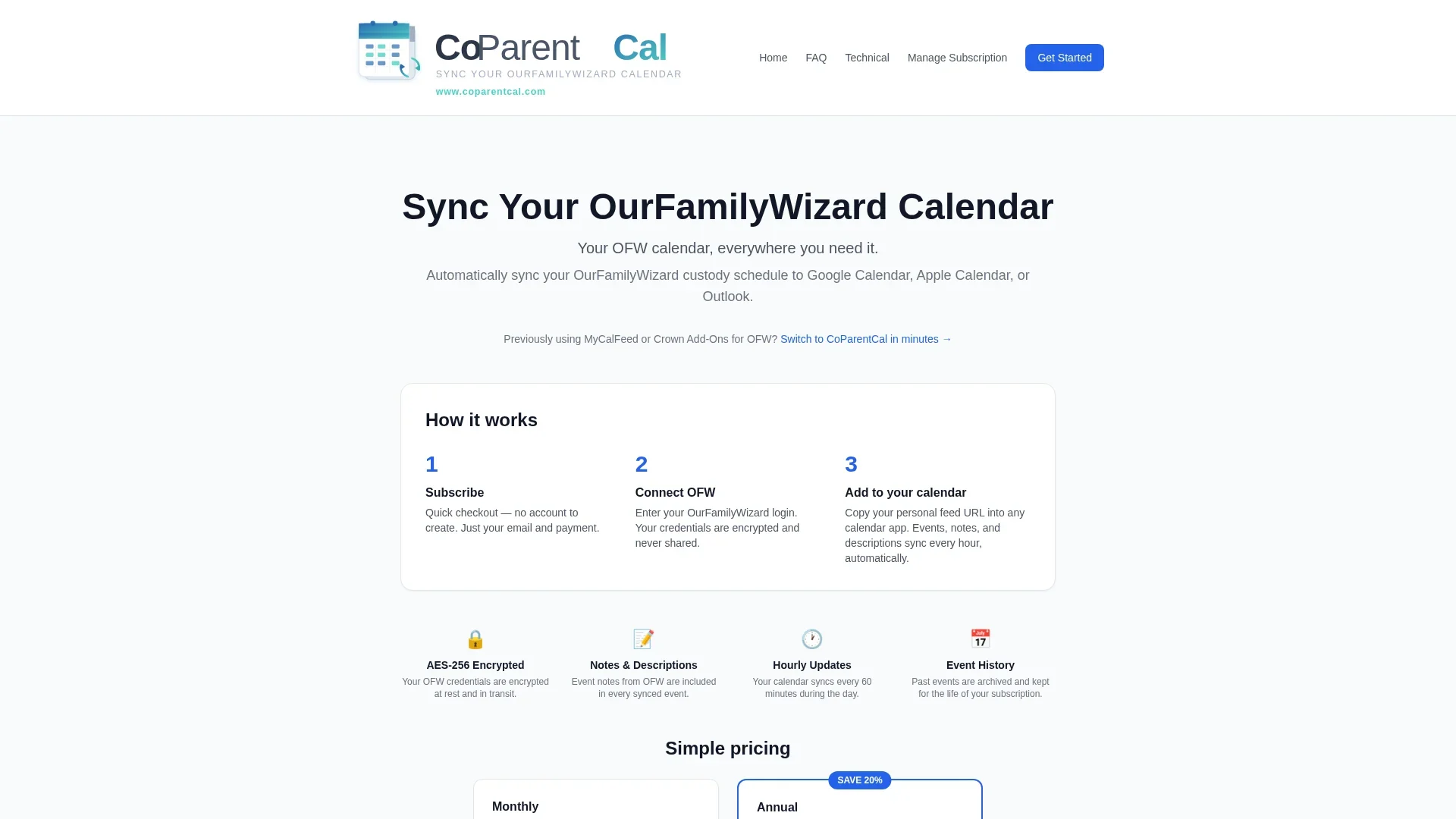
CoParentCal is the closest OFW sync alternative to OFWSync, built for one job: pushing the OurFamilyWizard calendar into Google, Apple, or Outlook using the open iCalendar (ICS) standard. There's no separate app to learn, and one flat price makes it easy to weigh against other read-only options.
Highlights
- Syncs the OurFamilyWizard calendar to Google, Apple, and Outlook calendars
- Uses the open iCalendar (ICS) protocol, so there's no co parenting calendar app to maintain
- Flat $2.50 per month, cancel anytime, per the official site
- Setup centers on connecting OFW and choosing what to sync
Specs
- Best for: Budget-minded OFW users who want a simple sync feed
- Calendar sync to Google/Apple/Outlook: Yes - ICS protocol to all three
- Price per family (2026): $2.50/month
Pros
- Lowest published price in the read-only OFW sync category
- Open iCalendar standard works with most calendar apps
- Cancel-anytime monthly billing
Cons
- Same read-only limitation as OFWSync
- No messaging, expenses, or court-ready extras
- Smaller brand with less documentation
- Only fits families already on OurFamilyWizard
It ranks second because it solves the same "where the schedule shows up" problem as the top pick, ahead of the full OFW suite.
Last updated: October 13, 2026
3. OurFamilyWizard
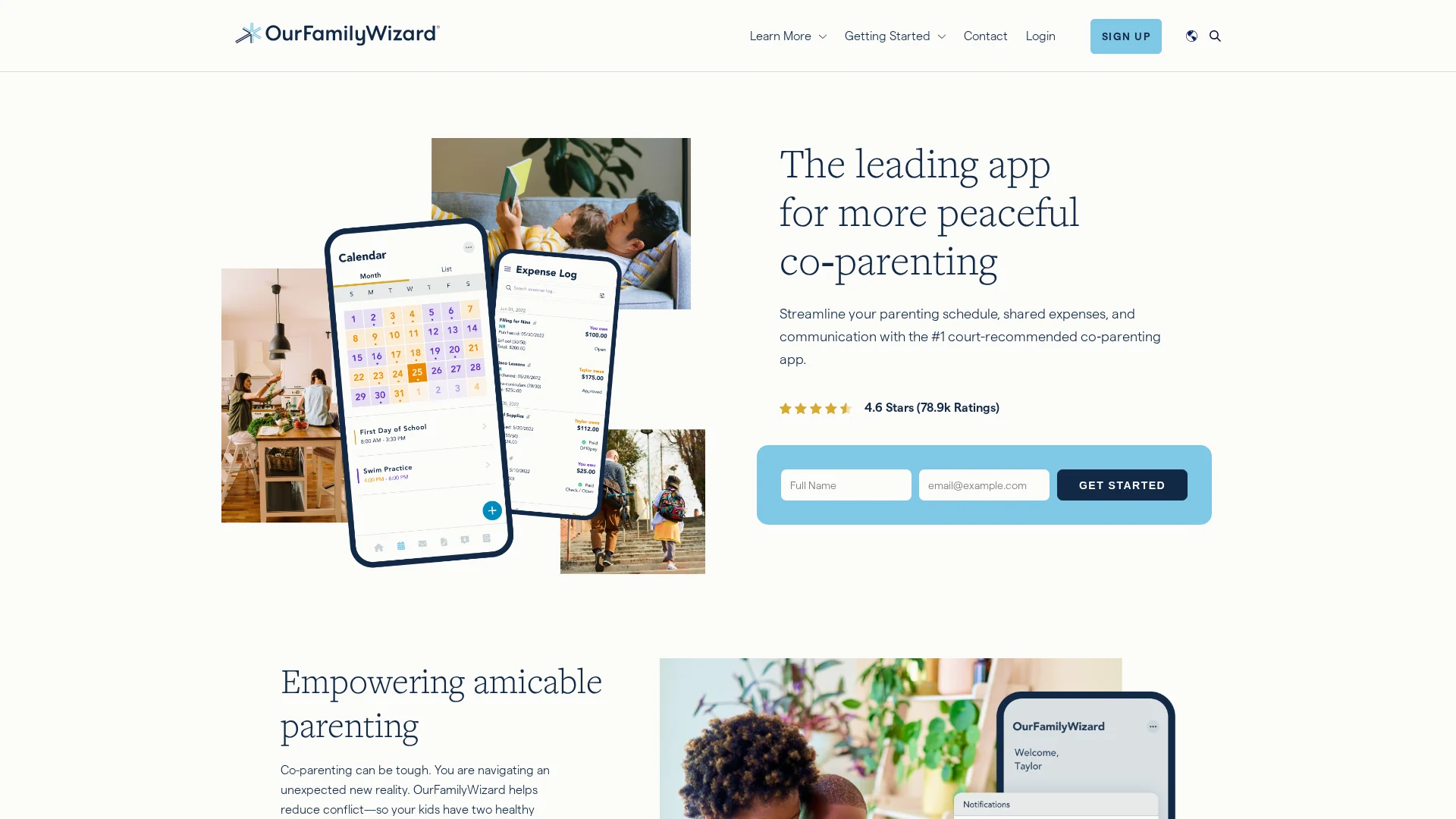
OurFamilyWizard is the long-established U.S. co-parenting suite that courts routinely order, and other apps measure themselves against it. Its shared calendar, secure messaging, expense log, and ToneMeter form the baseline - and it now offers its own calendar feed so tools like OFWSync can pull the schedule into the calendar app parents actually check.
Highlights
- Shared parenting calendar with one-click trade requests and acceptance
- Secure messaging, expense tracking, file vault, and ToneMeter
- Accepted or ordered in family courts across most U.S. states
- Now supports an outside-calendar connection for third-party sync tools
Specs
- Best for: Co-parents who need a full, court-admissible suite
- Calendar sync to Google/Apple/Outlook: Limited - exports and an outside-calendar feed, not live two-way sync
- Price per family (2026): Per-parent annual plans, roughly $110-$300 per parent depending on tier, per coparentsplit.com's 2026 pricing breakdown
Pros
- Court-tested across U.S. family courts for years
- Full suite: calendar, messaging, expenses, journal, files
- ToneMeter and secure messaging suit high-conflict cases
- Now supports outside-calendar feeds for tools like OFWSync
Cons
- Does not push the schedule into Google/Apple/Outlook by default
- Annual per-parent pricing runs about $110-$300 per year by tier
- Interface feels more legal-form than consumer-app
- Overkill for low-conflict co-parents
It ranks third because this list is calendar-first: OFW is the data source, while the read-only sync tools above it solve the "schedule in my calendar" job more directly. If you want the full picture, our guide to choosing a co parenting calendar app covers how court-tested suites and sync-only tools compare.
Last updated: October 13, 2026
4. Custody X Change
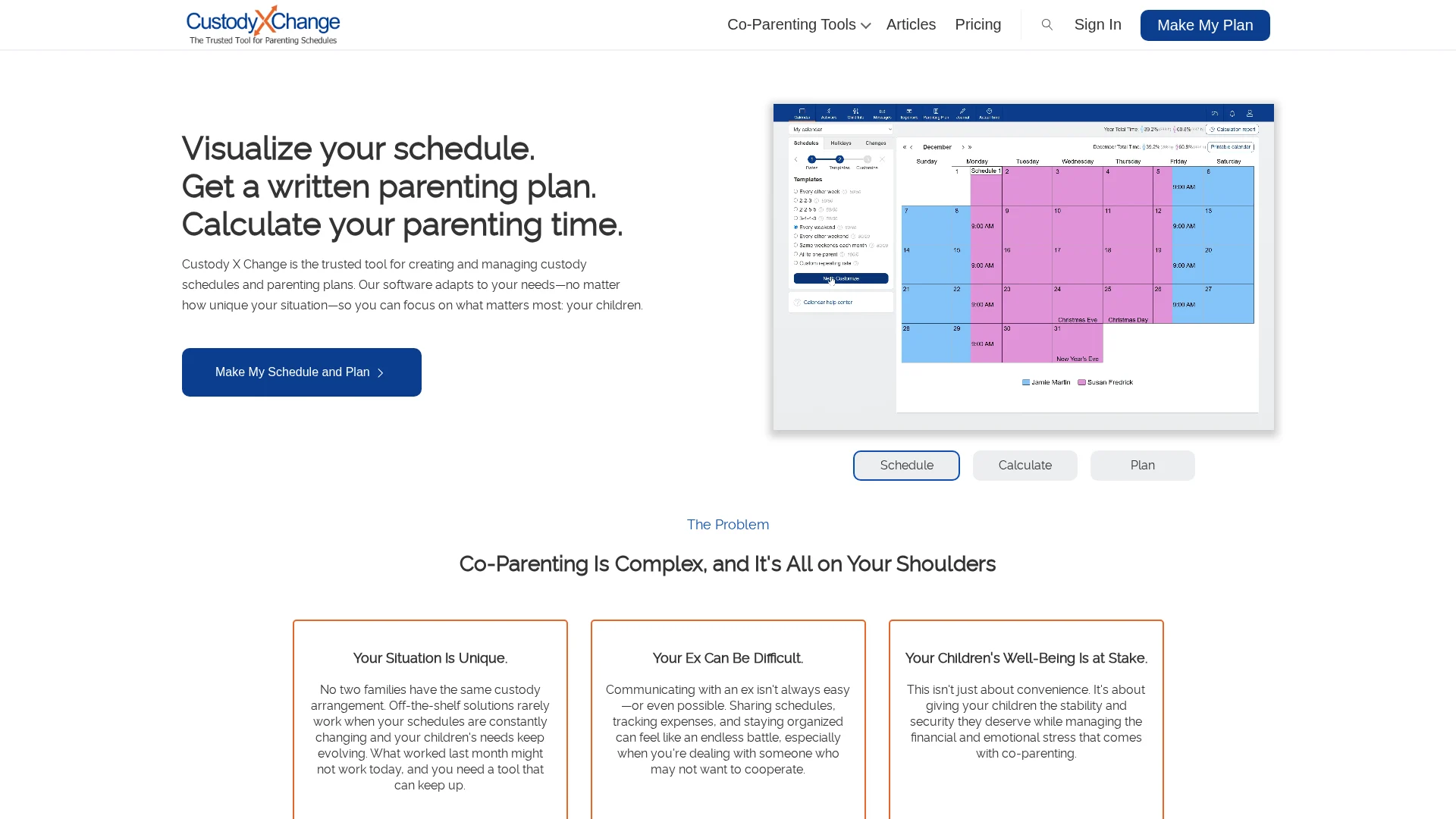
Custody X Change is built for parents still shaping the plan, not just tracking it. A step-by-step custody calendar builder walks you through templates and custom rotations, then turns the schedule into printable and digital calendars both parents and attorneys can use. Plans start at $6/month, billed annually, per its pricing page.
Highlights
- Step-by-step custody-calendar builder with many preset templates
- Customizable rotations, holidays, and parenting-time percentages
- Printable and digital calendar exports for parents and attorneys
- Trusted by family-law professionals for parenting-plan drafting
Specs
- Best for: Parents drafting or negotiating a custody schedule
- Calendar sync to Google/Apple/Outlook: Limited - exports and printable schedules, no native live feed
- Price per family (2026): Plans from $6/month, billed annually, per the official site
Pros
- Strongest schedule-building experience on the list
- Custom calendars for complex custody patterns
- Trusted by family-law professionals
- Printable plans useful for court filings
Cons
- No live feed into Google/Apple/Outlook calendars
- Better for designing the plan than running it day-to-day
It ranks fourth because it solves a different problem than the sync tools above: it is the strongest choice for parents still negotiating their rotation.
Last updated: October 13, 2026
Runners-up worth knowing
Four more apps didn't make the main list of eight, but each solves a specific problem for certain families. They're worth a quick look before you decide.
- Kidtime - Simple custody calendar and parenting-time tracker; free core, with a paid Pro tier
- AppClose - Solid all-in-one with built-in expense payments; web plan now $7.99/month
- TalkingParents - Best for tamper-proof records alone; paid subscription required since March 30, 2026
- 2houses - Great shared dashboard for blended or international families; less common in U.S. custody orders
How to choose the right co-parenting calendar app
- Start where you look. If your schedule lives in Google or Apple Calendar, a read-only sync like OFWSync saves more time than a second app.
- Follow the court order. If a judge names an app, use it first - OFW and TalkingParents are ordered most often.
- Match your conflict level. Low-conflict pairs do fine with sync; high-conflict cases need tamper-proof records.
- Verify 2026 pricing on each site - TalkingParents is now paid, and Kidtime's free tier shifts.
- Plan your exit. Export your data so you're never locked in.
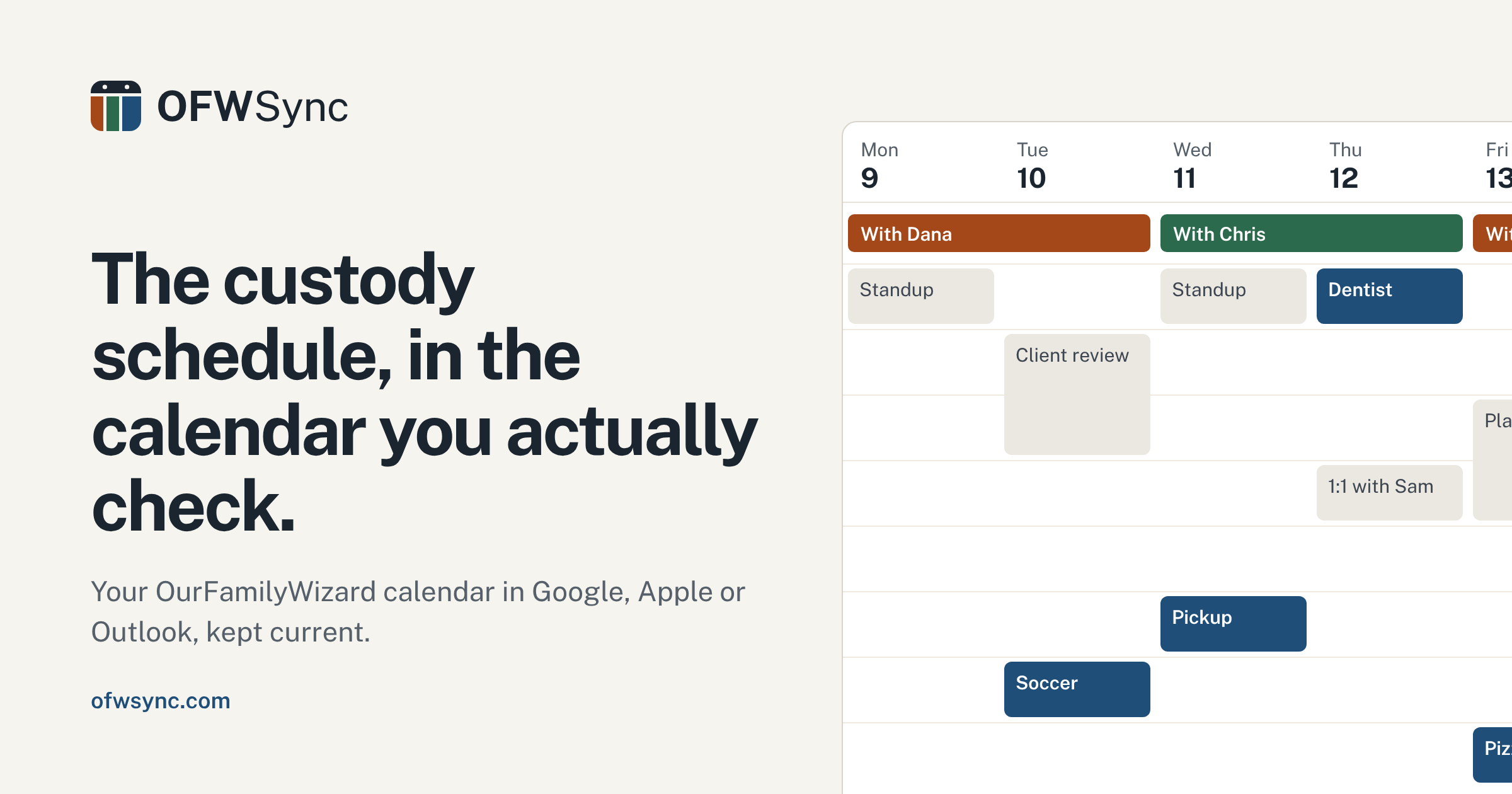
Already using OurFamilyWizard? OFWSync turns your parenting schedule into a read-only feed for Google, Apple, or Outlook, so the calendar you actually check stays current. Start syncing today.
Frequently Asked Questions
Q1: What are the best co parenting calendar apps?
For 2026, OurFamilyWizard leads full suites, while OFWSync and CoParentCal work best for syncing OFW schedules into Google, Apple, or Outlook.
Q2: Do co-parenting calendar apps sync with Google Calendar?
Full suites offer limited exports. Read-only sync tools like OFWSync push your schedule into Google, Apple, and Outlook automatically.
Q3: Can I use a sync tool alongside OurFamilyWizard without changing court records?
Yes. OFWSync is read-only, so it never posts to or alters your OFW account.