5 min read
OFWSync vs CoParentCal: Which Syncs Custody Better?
Comparing OFWSync and CoParentCal side by side on OurFamilyWizard sync speed, calendar app coverage, and reliability for U.S. co-parents juggling custody schedules.
The OFWSync team
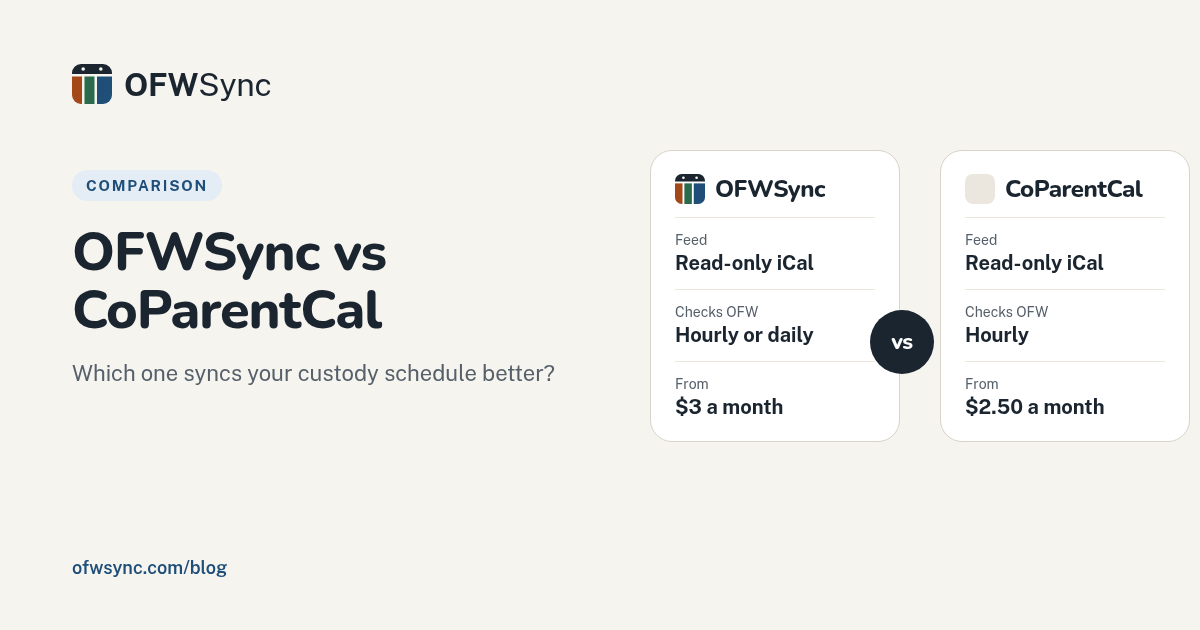
Quick Summary: OFWSync and CoParentCal both sync OurFamilyWizard schedules into Google, Apple, or Outlook as read-only feeds at similar prices: CoParentCal is $2.50/month, and OFWSync is $3/month (or $2.50/month billed yearly) for daily checks, or $5/month for hourly checks. CoParentCal refreshes hourly and documents Fernet AES-256-CBC credential encryption. OFWSync turns OFW parenting time into clear "With …" blocks and handoff events, with a simple setup aimed at U.S. co-parents. The practical difference comes down to how often you need changes to come through and how you want the schedule to look in the calendar you already use.
Wondering how OFWSync compares with other co-parenting calendars? Both OFWSync and CoParentCal turn OurFamilyWizard schedules into a read-only feed for Google, Apple, or Outlook at similar prices. The differences show up in sync freshness, setup, and how each reads OFW. This comparison covers syncing, security, cost, and fit, so you can choose in five minutes.
Table of Contents
- How Each Service Reads OurFamilyWizard
- Sync Frequency, Encryption, and Trust
- Pricing, Setup, and Event Detail
- Which Should You Pick: OFWSync or CoParentCal?
- Frequently Asked Questions
- Conclusion
OFWSync vs CoParentCal at a Glance
| OFWSync | CoParentCal | |
|---|---|---|
| Sync direction | One-way, read-only: OFW to Google/Apple/Outlook | One-way, read-only: OFW export to iCal feed |
| Sync frequency | Checks OFW every hour on Plus, once a day on Lite | Feed refreshes hourly (every 60 min), every 3 hours overnight Eastern |
| Encryption & security | OFW credentials stored encrypted; read-only, never modifies the OFW account | Fernet AES-256-CBC credentials, TLS/HTTPS, Stripe-handled payments |
| Pricing | Lite $3/month or $30/year; Plus $5/month or $40/year; 7-day free trial | $2.50/month or $24/year ($2/mo effective), cancel anytime |
| Event details included | Parenting time as "With …" blocks, handoffs, and OFW events with locations and notes | Discrete OFW events with titles, times, locations, and notes/descriptions |
| Best for | U.S. co-parents who want a hands-off, OFW-anchored custody view inside the calendar they already use | Buyers who want explicit technical documentation and an annual plan at $24 |
How OFWSync and CoParentCal Compare
OFWSync
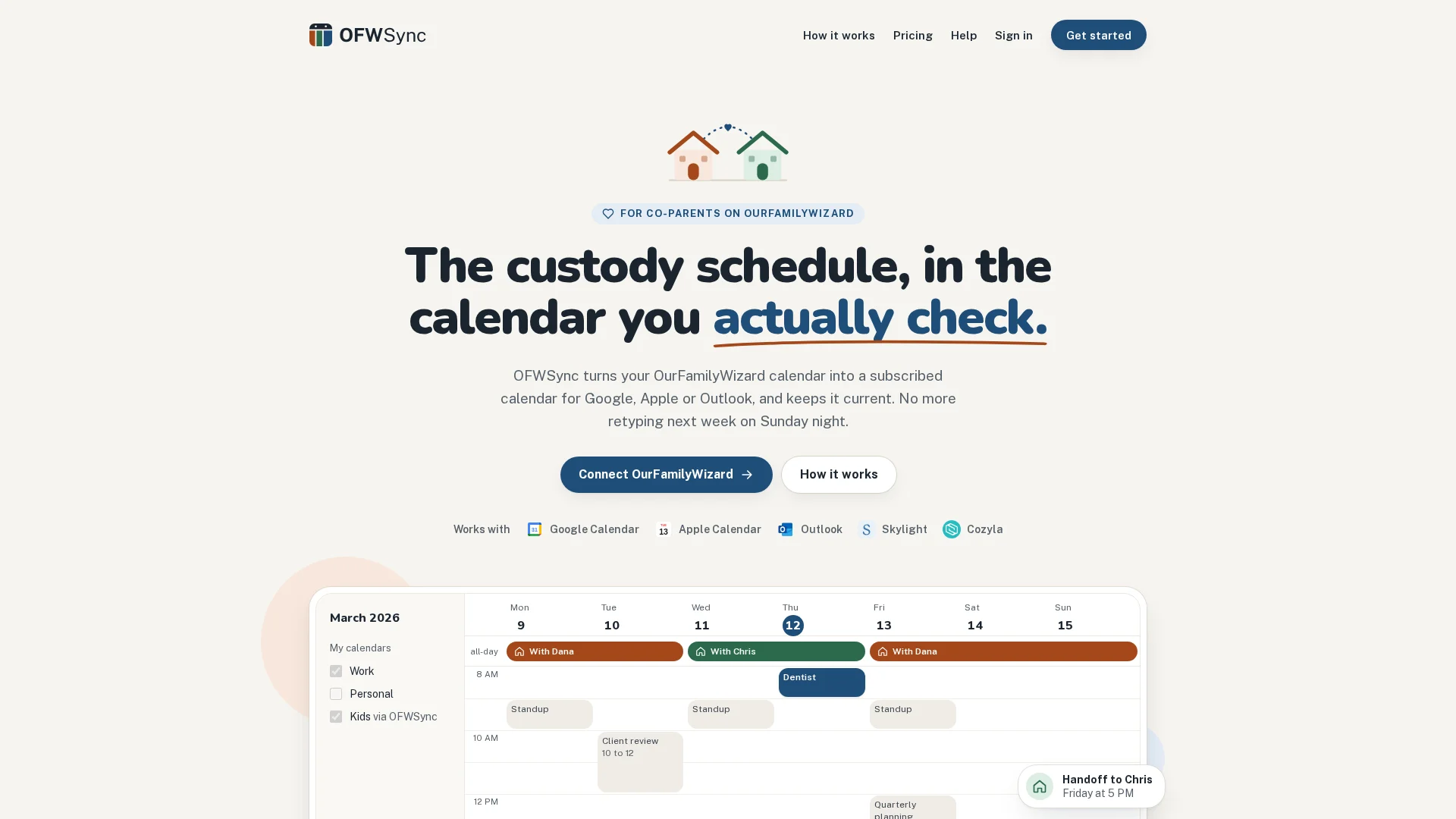
OFWSync is an independent sync service for U.S. co-parents on OurFamilyWizard. It turns parenting time, approved trades, and shared events into a read-only subscription feed for Google Calendar, Apple Calendar, or Outlook, with a hands-off, OFW-anchored design.
Key strengths
- Parenting time shows as "With …" blocks, plus a "Handoff to …" event at mid-day exchanges
- Read-only OFW access that never posts to your account
- Hourly checks and a "Sync now" button on Plus
CoParentCal
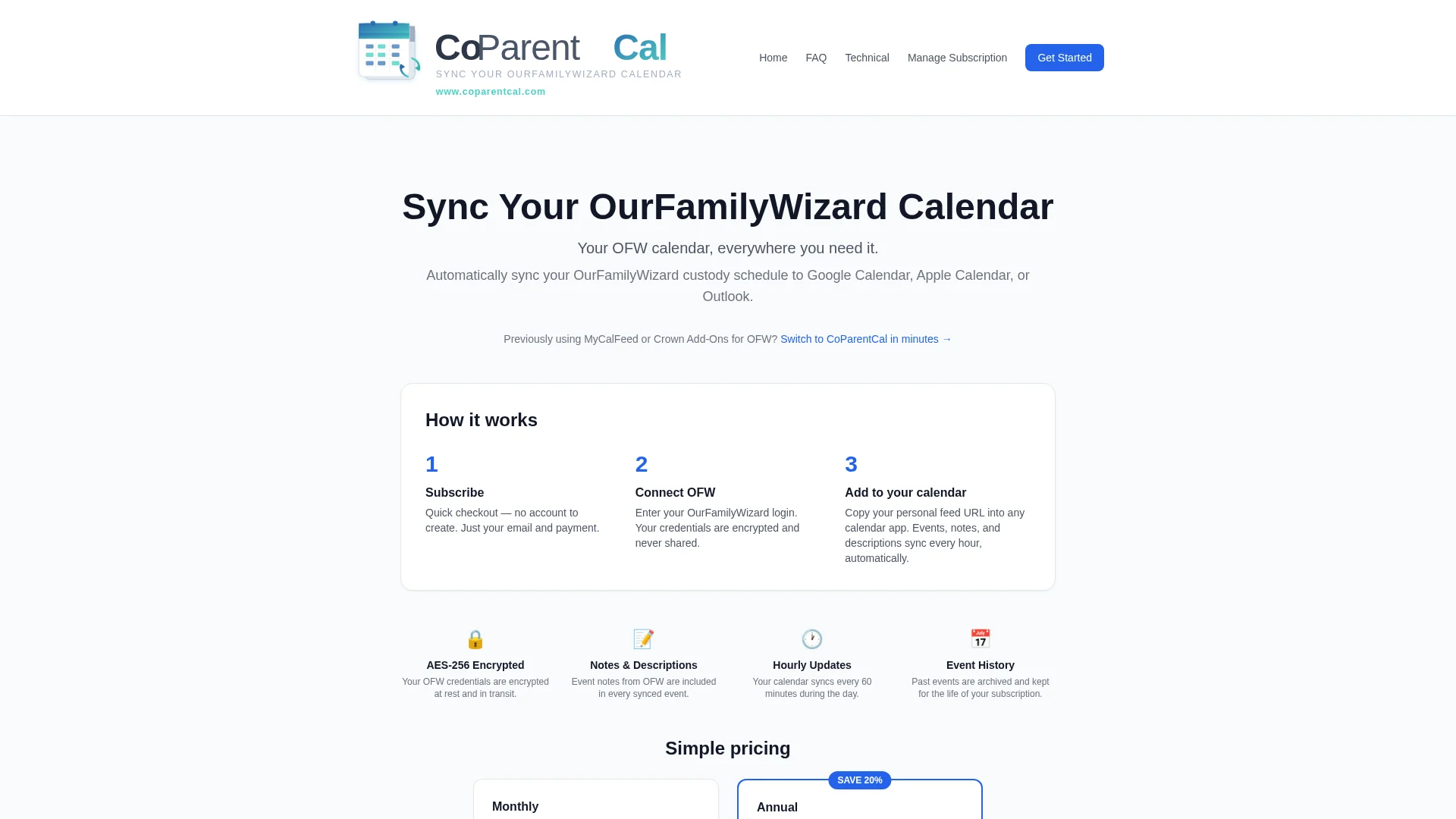
CoParentCal automates OurFamilyWizard's web export and republishes it as a subscribable iCal feed. It suits buyers who want clear technical documentation and a low annual price.
Key strengths
- Hourly feed refresh, every 3 hours overnight Eastern
- Fernet AES-256-CBC credential encryption with TLS
- $24/year annual option, cancel anytime
How Each Service Reads OurFamilyWizard
Neither tool has an official OurFamilyWizard API, because OFW doesn't offer a public one. Both read your OFW data indirectly: you supply your account details, the service pulls the entries tied to that login, and turns them into a calendar feed for Google, Apple, or Outlook.
The parenting-schedule caveat buyers miss
OurFamilyWizard's parenting schedule lives inside its own app, and how each service carries it over matters. OFWSync turns it into all-day "With …" blocks named for whoever has the children overnight, plus a short handoff event at mid-day exchanges. Requests and unapproved trades don't carry over to either service until they're accepted in OFW. So treat the feed as a mirror of the confirmed schedule, not a replacement for checking OFW itself.
Sync Frequency, Encryption, and Trust
Why refresh rate matters less than calendar-app polling
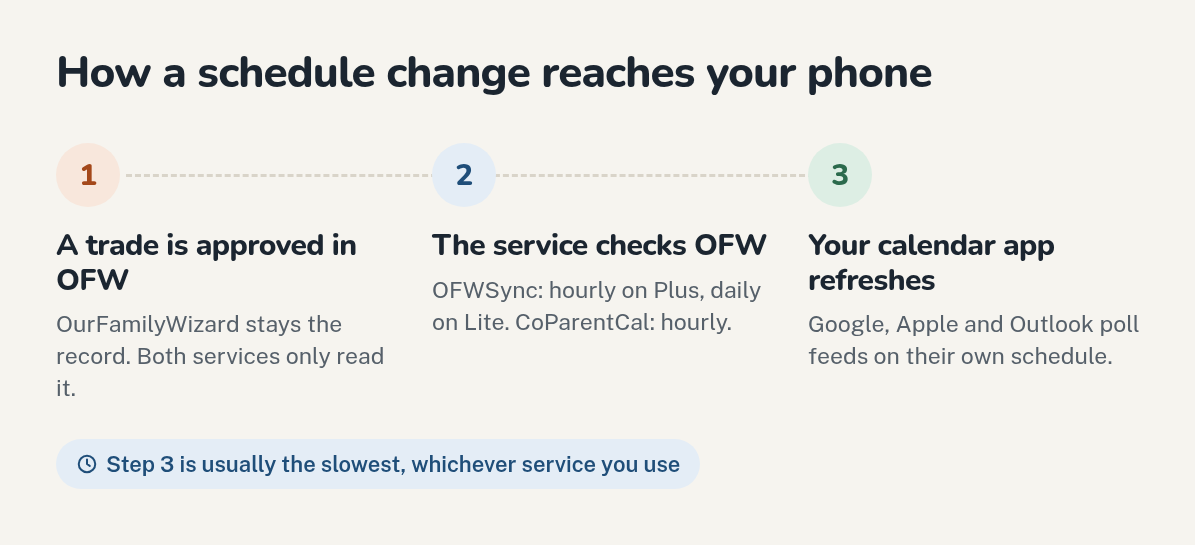
On speed, the honest answer is that the sync service's refresh rate matters less than how often your calendar app checks the feed. Google Calendar, Apple Calendar, and Outlook poll subscribed calendars on their own schedule, sometimes hours apart, and neither OFWSync nor CoParentCal can change that. OFWSync checks OFW every hour on Plus (once a day on Lite), and CoParentCal refreshes hourly, every 3 hours overnight Eastern, but your app may still lag. Both services protect credentials in transit with TLS and store them encrypted; CoParentCal documents Fernet AES-256-CBC encryption for stored credentials. Judge both on accuracy and read-only safety, not raw sync speed.
Pricing, Setup, and Event Detail
The prices are close. CoParentCal charges $2.50 monthly or $24 per year. OFWSync has two plans that differ only in how often they check OFW: Lite is $3 a month or $30 a year (once a day), and Plus is $5 a month or $40 a year (every hour). Both are cancel-anytime, and OFWSync starts with a 7-day free trial. Setup differs in feel. OFWSync checks your OFW sign-in right away, runs a first sync, then gives you one subscription link, while CoParentCal walks you through connecting your OFW account step by step. Both inherit OFW's own event data, so neither adds details OurFamilyWizard doesn't store. See OFWSync's pricing page for the current plans.
| OFWSync | CoParentCal | |
|---|---|---|
| Monthly | $3 (Lite) or $5 (Plus) | $2.50 |
| Annual | $30 (Lite) or $40 (Plus) | $24/year |
| How often OFW is checked | Daily (Lite) or hourly (Plus) | Hourly |
| Setup | Read-only feed, no OFW changes | Guided account connection |
Which Should You Pick: OFWSync or CoParentCal?
Pick OFWSync if you want a hands-off, OFW-anchored custody feed that shows whose time it is at a glance inside the calendar you already use, with hourly checks when you need them. Pick CoParentCal if you value explicit encryption documentation and the lowest annual price at $24 a year. The prices are within a few dollars, so the choice comes down to how you want your schedule delivered. For other options, see the best co-parenting calendar apps for 2026.
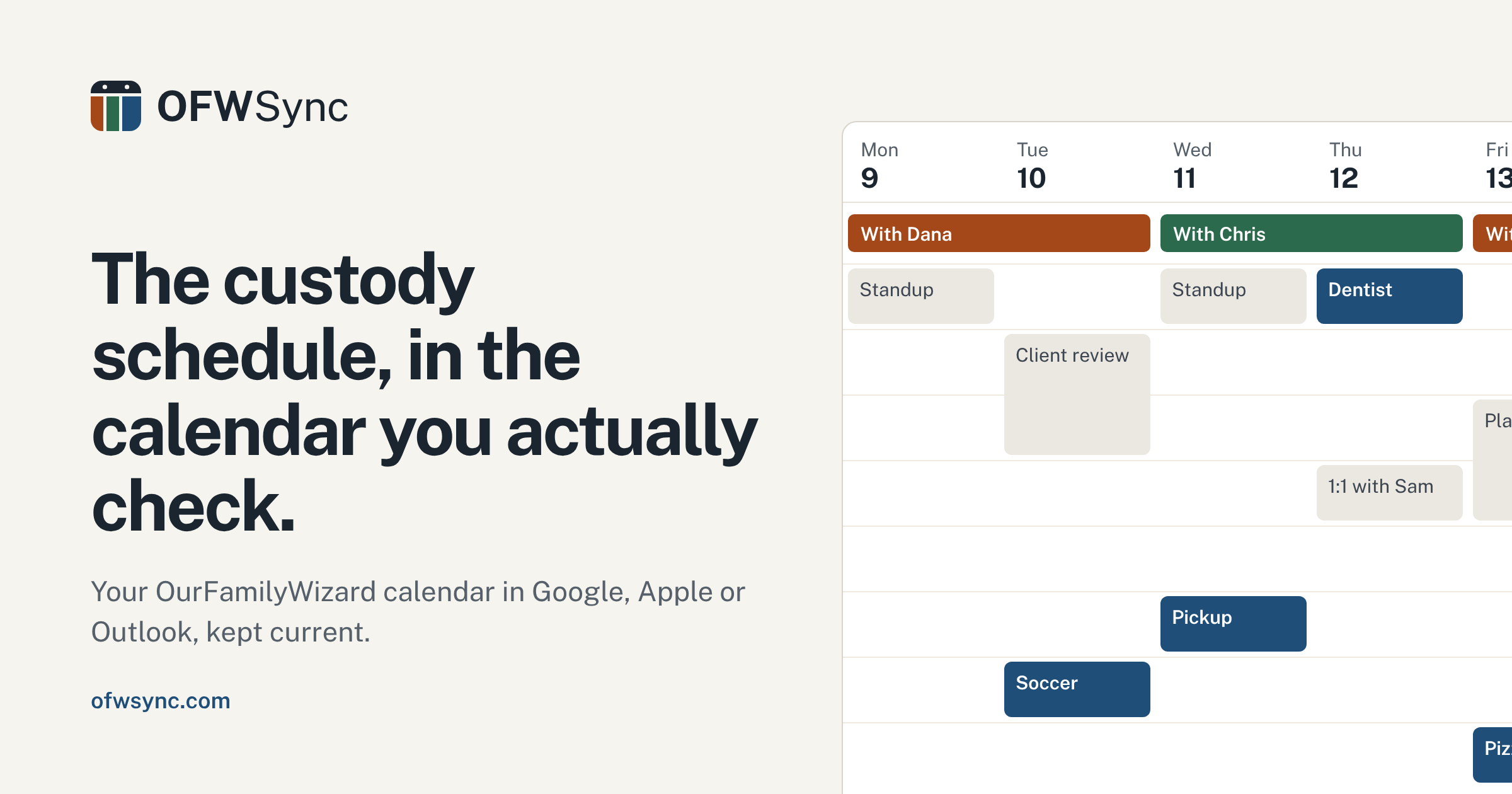
Stop copying custody dates by hand. OFWSync mirrors your OFW schedule straight into the calendar you already use, hands-free. Start a free trial today.
Frequently Asked Questions
Q1: How does OFWSync compare with other co-parenting calendars?
Both OFWSync and CoParentCal sync read-only and cost a few dollars a month: CoParentCal is $2.50, OFWSync is $3 (daily checks) or $5 (hourly checks). OFWSync shows parenting time as clear "With …" blocks and handoffs.
Q2: Does either tool change my OurFamilyWizard account?
No. Both are read-only and never post or modify entries.
Q3: Do pending trade requests sync?
No. Only confirmed events mirror reliably; check OFW for contested changes.
Conclusion
OFWSync and CoParentCal cost about the same and sync read-only, but OFWSync delivers a hands-off, OFW-anchored feed for Google, Apple, or Outlook that shows whose time it is at a glance, while both share OurFamilyWizard's limits.